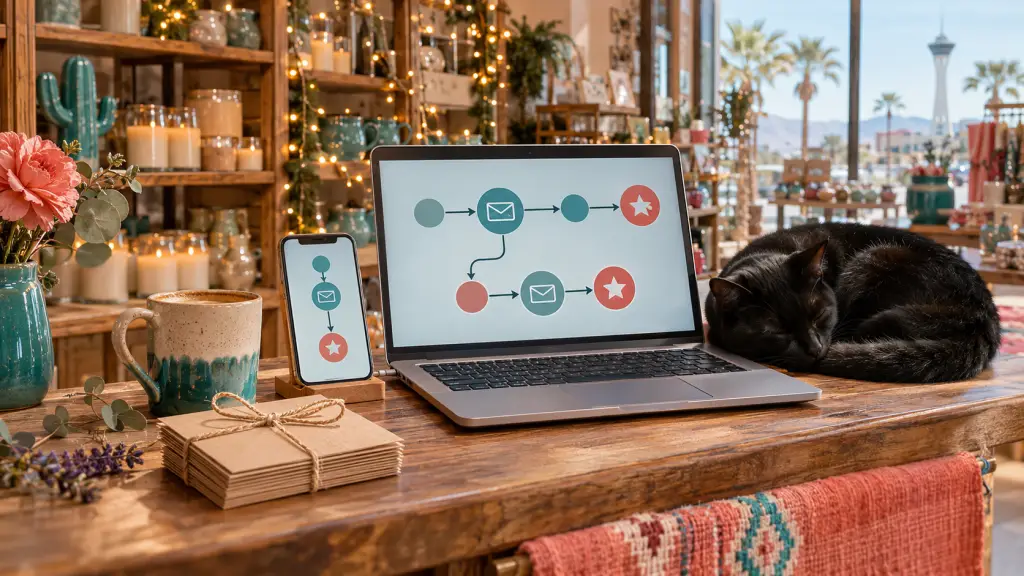
Repeat customer automation is the easiest gift you can give your business this January. Think about it. December brought a wave of new faces through your door and your online store. Some came for a gift card, while others grabbed a last-minute present. Now the big question is simple: will you ever see them again?
Here’s the friendly truth. Most holiday shoppers won’t come back on their own. They’re not upset with you. They’re just busy, and life moves on. So the trick is to stay in touch without spending every evening typing emails. That’s where a few smart workflows come in.
Why Repeat Customer Automation Matters After the Holidays
Let’s start with the money side. Keeping a customer usually costs far less than finding a new one. In fact, Bain & Company’s Fred Reichheld found that in financial services, a 5% boost in customer retention produced more than a 25% increase in profit. Your shop isn’t a bank, of course. Still, the lesson travels well.
Timing matters too. Holiday buyers are warmest in the weeks right after they shop. After that, they slowly forget your name. Repeat customer automation keeps you in their inbox during that window, so you never have to remember who to contact.
Also, a little housekeeping before we dive in. Any post-holiday emails you send are commercial messages, so they need to follow the rules. That means a clear unsubscribe link, honoring opt-outs within 10 business days, and your real mailing address. The FTC’s CAN-SPAM guide spells out the rules for post-holiday emails in plain language. For texts, only message people who opted in.
Automation 1: The Thank-You and Welcome Sequence
First up is the warmest message you’ll ever send. Within a day of the purchase, send a short thank-you. Keep it personal, like a note from you rather than a corporate blast.
Then follow up with two or three more messages over the next couple of weeks. For example:
- Day 1: Thank them, confirm the order, and share your story in two sentences.
- Day 5: Offer care tips, a how-to video, or ideas for using what they bought.
- Day 14: Invite them to follow you on social media or join your VIP list.
None of these messages should push a sale. Instead, they help a gift shopper feel like part of your community. As a result, your next offer lands with a friend, not a stranger.
Automation 2: Timely Review Requests
Next, let’s talk about reviews. Happy holiday shoppers are often willing to leave one. However, most of them simply never get asked.
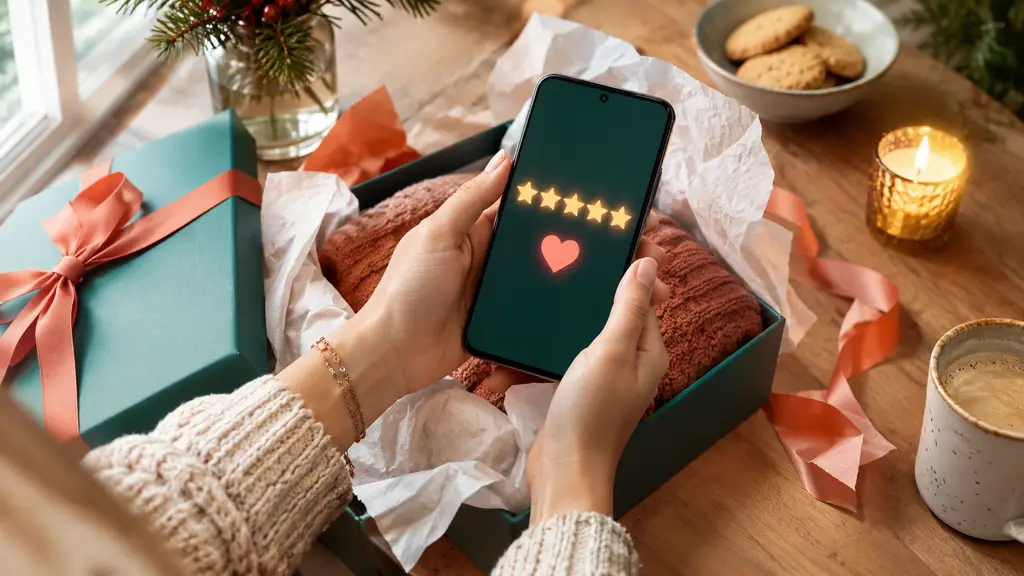
Set up review requests to go out about seven to ten days after the purchase. By then, the gift has been opened and the customer knows how they feel. Send a short text or email with a direct link to your Google review page. Make it one tap, not five.
Fresh reviews help in two ways. They build trust with the next shopper, and they help your local rankings. We dig into that connection in our post on review requests and local SEO. Plus, a customer who writes a nice review has just told themselves they like you. That’s a great start for a second visit.
Automation 3: The January Comeback Offer
Now comes the fun part. January is often slow for local shops. So why not invite your holiday shoppers back with something just for them?
Here’s how a comeback offer works with repeat customer automation:
1. Tag every customer who bought between Black Friday and December 31. 2. In mid-January, send a “thanks for finding us” offer, like 15% off or a free add-on. 3. Give it a deadline, such as two weeks, so it doesn’t get lost. 4. Send one friendly reminder a few days before it expires.
Keep the tone light, too. Something like, “The holidays are over, but we still miss you” works far better than “SALE ENDS SOON!!!” Also, try splitting the offer by what people bought. A candle buyer might love a refill deal. Meanwhile, someone who bought a gift card for a friend might enjoy a treat for themselves.
Automation 4: The Win-Back Nudge
Finally, some shoppers will stay quiet no matter what. That’s okay. A win-back workflow catches them later without any effort from you.
Set a trigger for customers who haven’t bought in 60 to 90 days. Then send a short, honest message: “It’s been a while, and we’d love to see you again.” Add a small incentive or share what’s new in the shop. If they still don’t respond after two tries, move them to a quarterly newsletter instead of emailing them every week.
Because the workflow runs on a timer, it keeps working all year. In other words, your Valentine’s Day, Mother’s Day, and summer shoppers get the same care.
How to Set Up Repeat Customer Automation Without the Headache
So, do you need fancy software for this? Not really. Most email and SMS automation tools can handle simple workflows. Still, things get much easier when your contacts, reviews, texts, and sales live in one place.
That’s why we build these sequences in HighLevel for many of our Las Vegas clients. Our email and SMS automation setup connects your store or point-of-sale system, tags holiday buyers automatically, and sends every message on schedule. You write the messages once, and then the system does the rest.
A few quick tips before you build your own:
- Start with one workflow, then add the next one each week.
- Write like you talk. Short sentences feel friendlier on a phone.
- Track opens, clicks, and repeat purchases so you know what’s working.
FAQ: Repeat Customer Automation
When should I start my post-holiday emails?
Start the thank-you sequence right after each purchase. Then save the comeback offer for mid-January, when the holiday noise has died down.
How many messages is too many?
For most small shops, one or two emails a week is plenty. Space out your review requests and offers so customers never feel crowded.
Do I need a customer’s permission to text them?
Yes. Only text people who clearly opted in, and always include an easy way to stop messages.
What’s a good customer retention goal for a small business?
Start by tracking how many holiday buyers make a second purchase within 90 days. Then aim to beat that number next year.
Ready to Start Repeat Customer Automation?
The holiday rush brought you new customers. Now a few simple workflows can help you keep them. Start with a thank-you, ask for a review, send a January offer, and set a win-back nudge. Each step is small, but together this repeat customer automation turns one-time shoppers into regulars.
Want help setting it all up? Book a free 15-minute discovery call with WebKitty Creative, and we’ll map out your first workflow together.